











Entry
Our community has been built on Discord for years:
- Discord invite: https://discord.gg/labyrinth1337
We are not abandoning it, but we are adding a stronger long-term foundation for privacy, ownership, and resilience.
This is also a community upgrade:
- More security
- More privacy
- More control over our own infrastructure
- More room for custom community addons, bots, and workflows
Core entries:
- Labyrinth Matrix space: https://matrix.to/#/#labyrinth:labyrin.org
- Labyrin Matrix homeserver: https://matrix.labyrin.org
Naming
To avoid confusion:
Labyrinth: community name (Discord / public branding)labyrin: Matrix infrastructure name (homeserver/domain), due to domain registration constraints
Why Matrix
Labyrinth is expanding onto Matrix as a community infrastructure upgrade.
Matrix is an open, decentralized communication protocol with federation, end-to-end encryption support, and a strong bridge ecosystem. See matrix.org and Matrix Docs.
We care about:
- Privacy
- Security
- Long-term ownership of community infrastructure
- Flexibility to build our own tools and workflows
Why we are adding Matrix:
- We keep the community we already built
- We reduce platform dependency
- We offer a privacy-respecting, decentralized alternative
- We bridge existing platforms into Matrix so members can communicate from either side
- We get a stronger base for custom automation, moderation tools, and community integrations
This is an expansion, not a split.
For Labyrinth, this means running our own homeserver (matrix.labyrin.org) while participating in the broader Matrix network and bridging existing platforms without splitting the community.
Discord's recent age assurance rollout and related privacy concerns are one reason many communities are re-evaluating platform dependency. Official details: Safety Center update, Age Assurance Update FAQ.
Quick Access
If you already use Matrix, start here:
Labyrinth Community
- Discord community: https://discord.gg/labyrinth1337
- Matrix mapped space: https://matrix.to/#/#labyrinth:labyrin.org
- Public rooms can be joined from any compatible homeserver account
Labyrin Infrastructure
- Matrix homeserver:
labyrin.org(https://matrix.labyrin.org) - Login entries:
- Public federation entry (official Element): https://app.element.io
- Labyrin Element portal: https://element.labyrin.org
- SSO:
- Registration / account portal: https://auth.labyrin.org
- Invitation (Discord channel): https://discord.com/channels/1235103752369995796/1474251230770499626
How To Join
Matrix is the network/protocol. You can use different client apps to connect to a Matrix homeserver.
Clients (pick one):
- Element (official, recommended): https://element.io
- FluffyChat: https://fluffychat.im
- Cinny (web-focused): https://cinny.in
- Nheko (desktop): https://nheko-reborn.github.io
For Labyrinth (labyrin.org), we highly recommend using our preconfigured Element portal:
- Labyrin Element portal: https://element.labyrin.org
There are two ways to join: public access via any Matrix account, or member access via our labyrin.org homeserver.
⚠️ On Mar 9 2026, we have enabled SSO self enrollment, see section 3.
1. Public Access (Any Matrix Account)
This is the easiest option for most people.
The Labyrinth space is public and federated, so you can:
- Click the space link: https://matrix.to/#/#labyrinth:labyrin.org
- Use an existing Matrix account (any homeserver)
- Or register a Matrix account (for example on official
matrix.org) - Open the space in Element (or your preferred Matrix client)
- Join the public rooms/channels
Use this when you want to join our discussion in public spaces and rooms.
Note: Some privileges are limited with this access on our homeserver (
labyrin.org).
2. Labyrin Access (Invite-Only + SSO)
For full community access on our homeserver:
- Invite-only onboarding
- SSO sign-in only
- Invitation links are shared in our Discord invite channel
- Labyrin auth portal: https://auth.labyrin.org
- Matrix client (recommended: https://element.labyrin.org or https://app.element.io)
During the beta stage, we periodically release invitation links in our Discord #invitation channel.
Demo Flow
Open the invitation link:
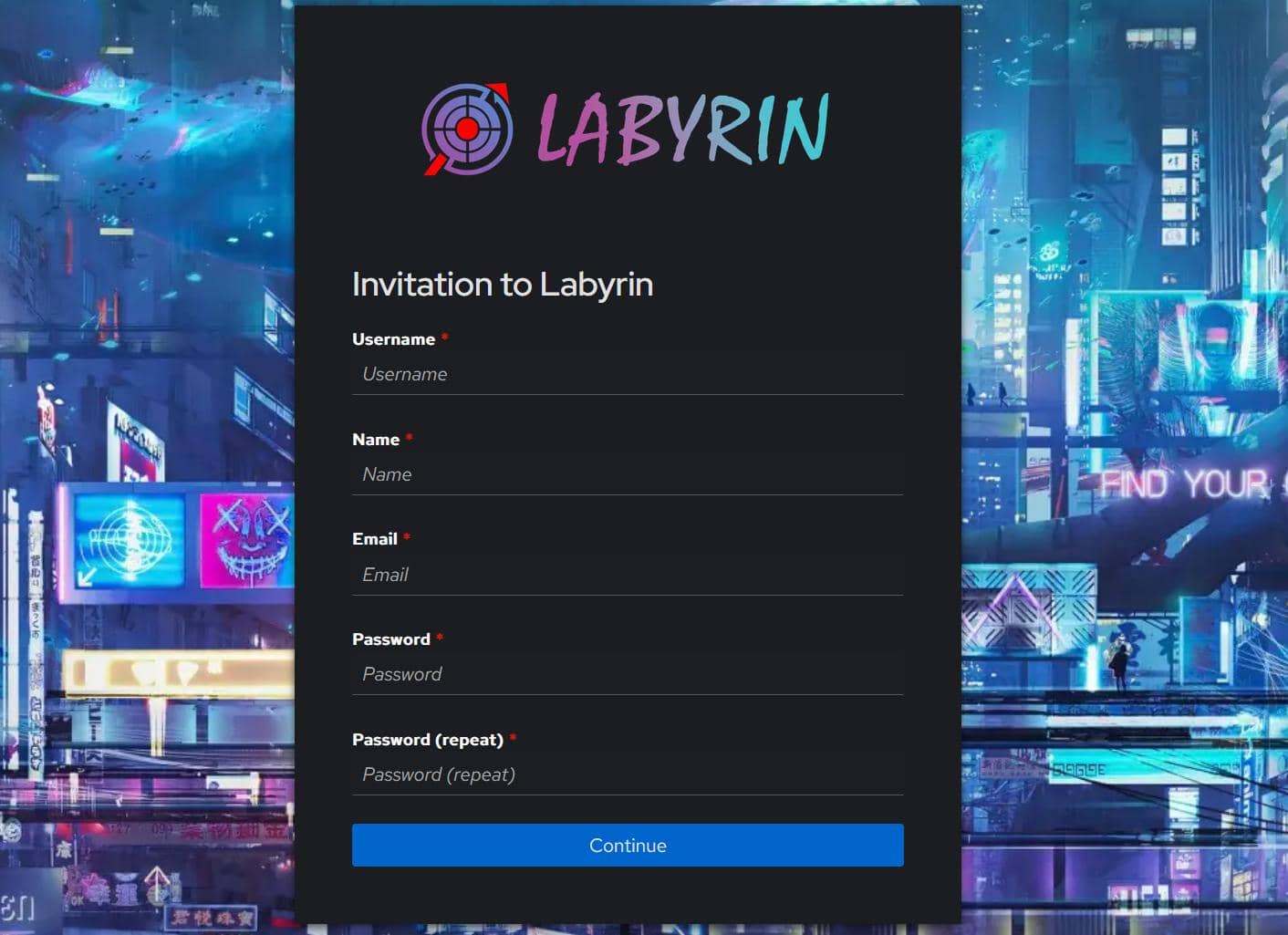
Fill in your account information. After submitting your email address, a confirmation email will be sent:
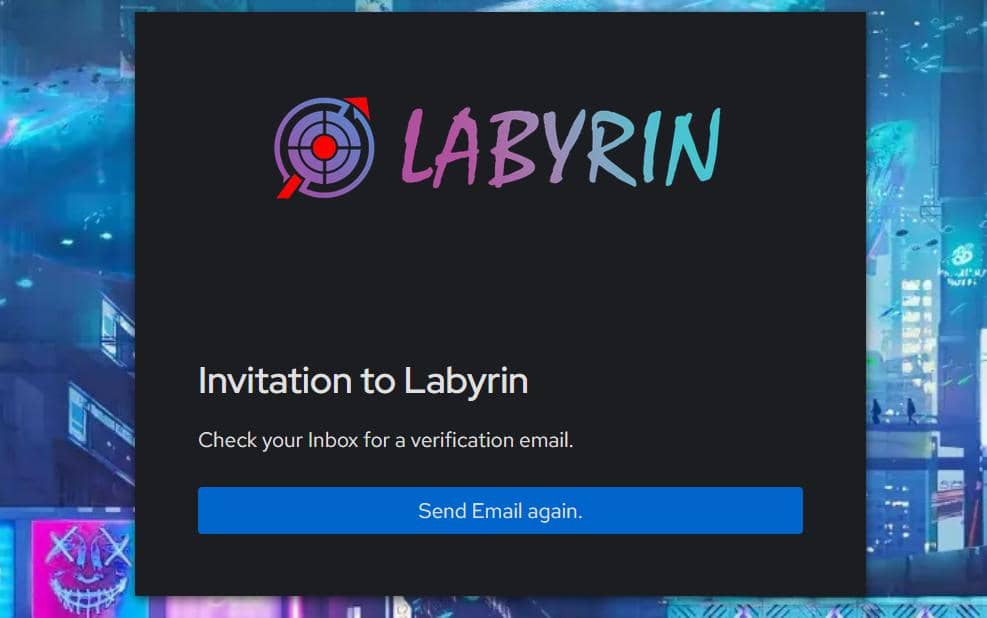
Confirm the email:
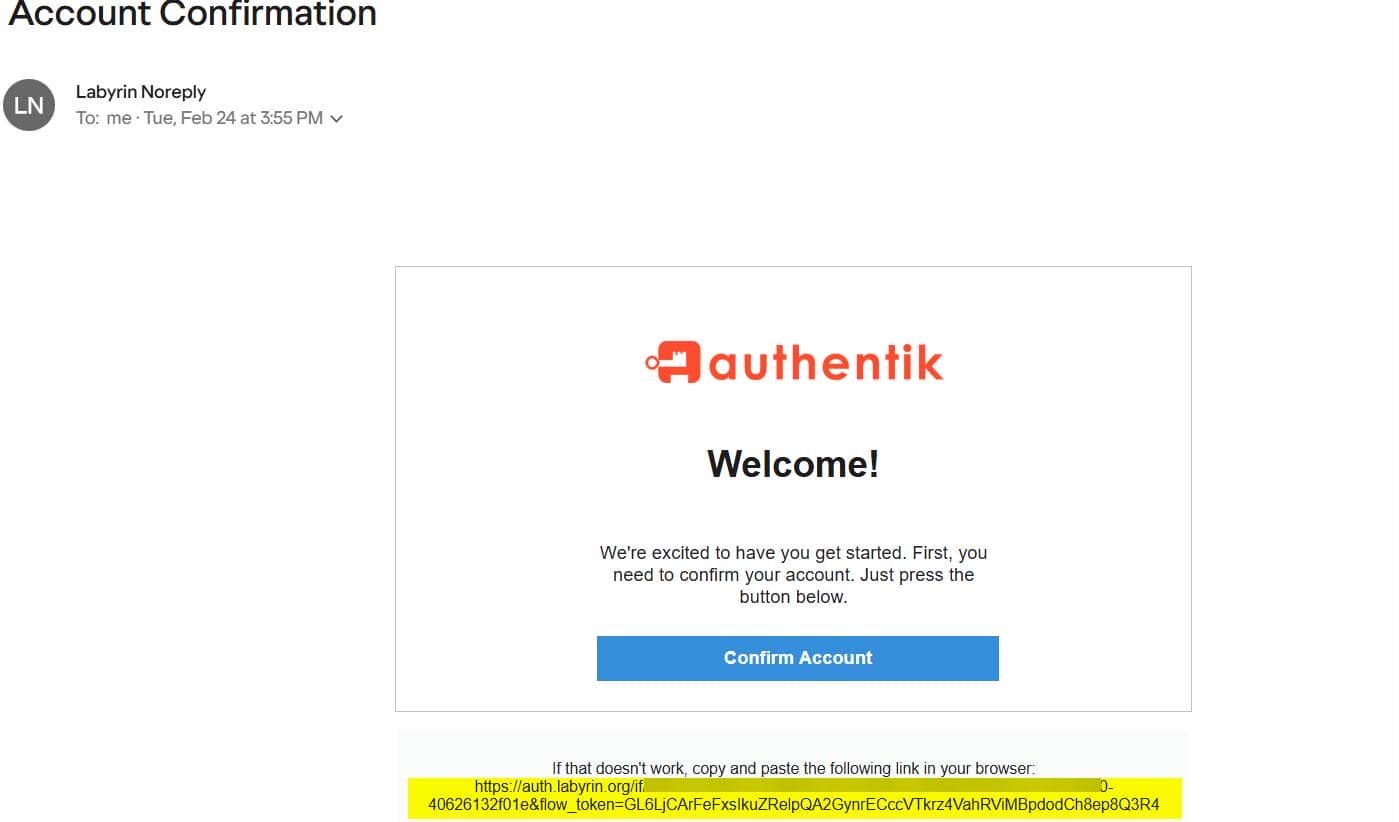
If you do not receive it, check your spam folder. Some mail providers block link clicks in spam messages, so copy the link manually and open it in your browser if needed.
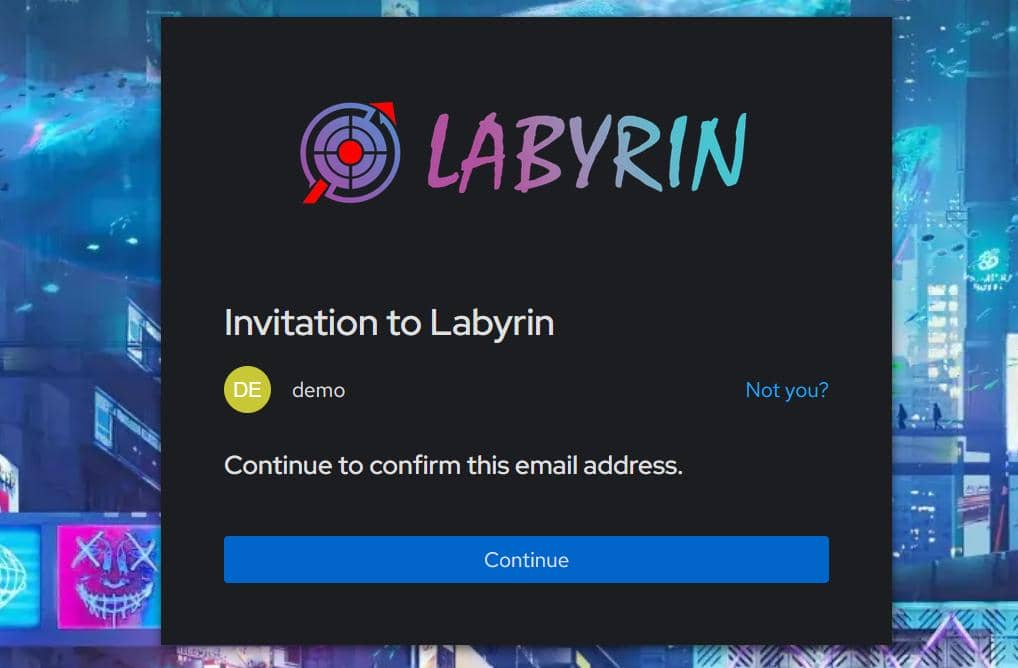
After email confirmation, registration is complete. Use your previously set username/password to sign in to SSO:
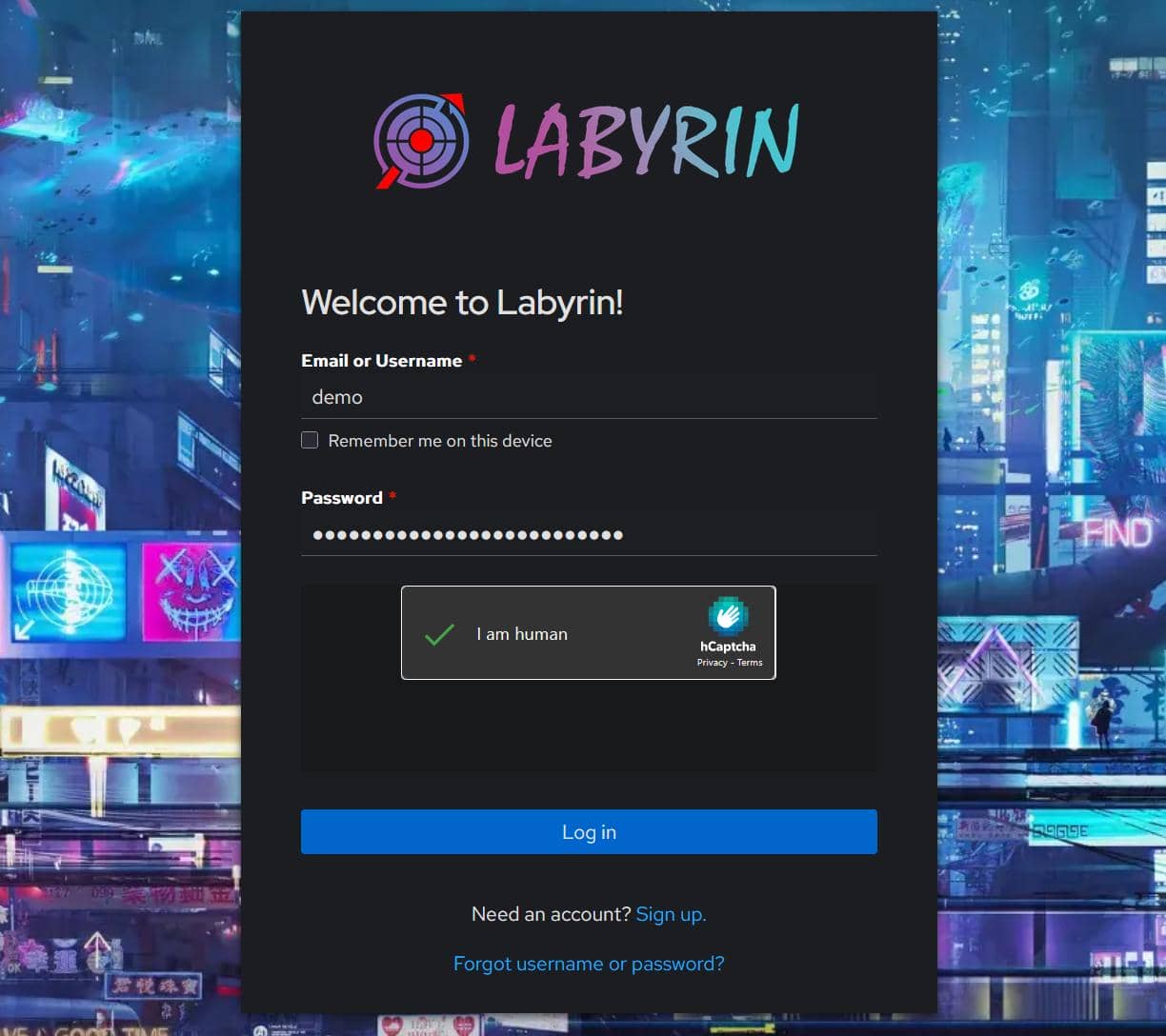
You should be redirected to our homeserver entry automatically:
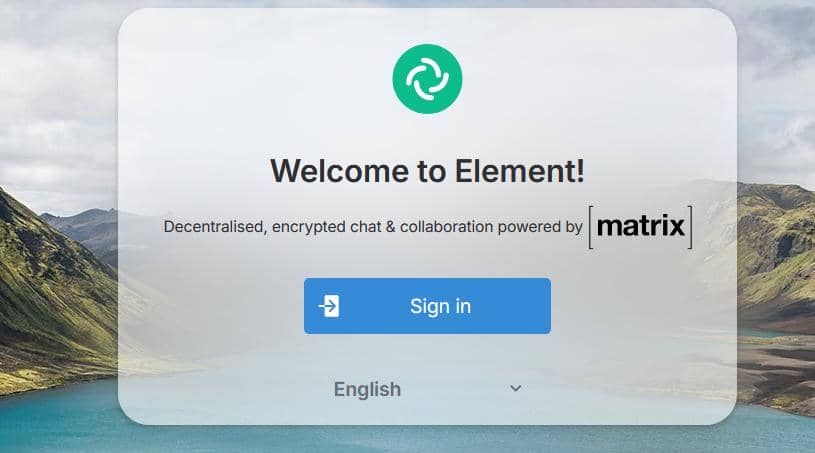
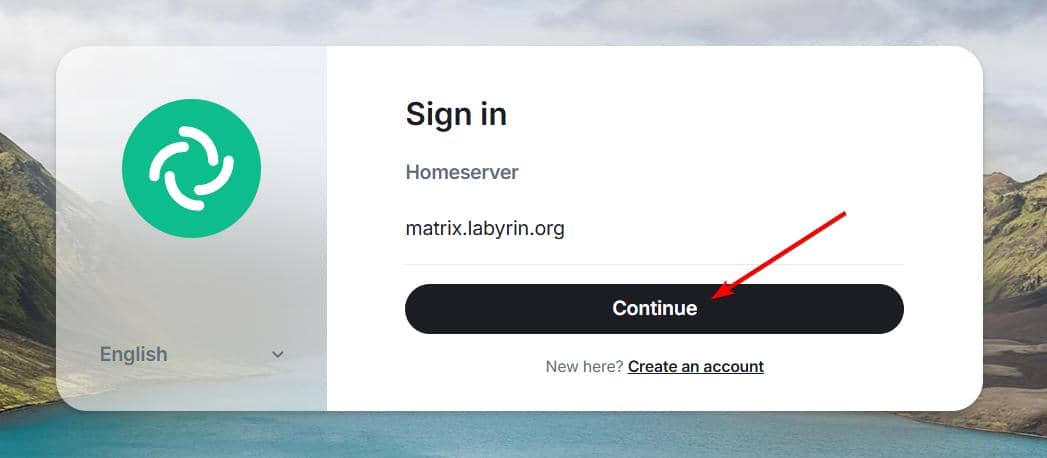
Sign in to continue:
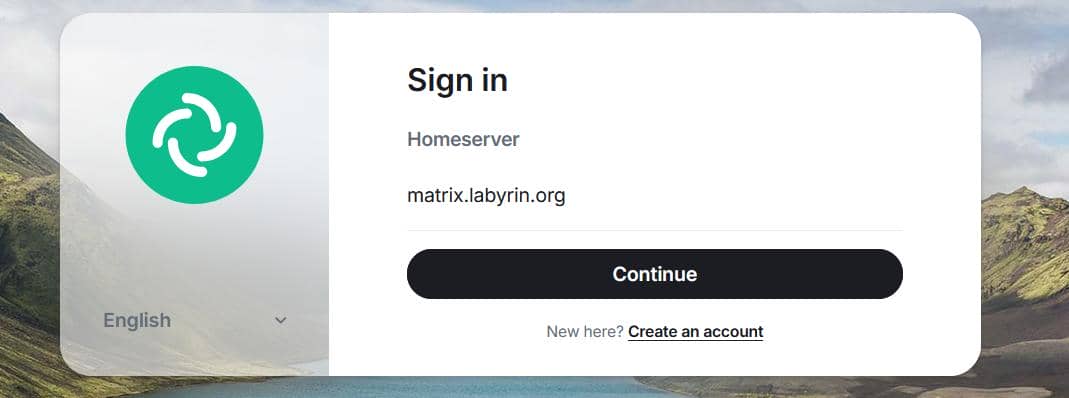
Continue to the homeserver login page:
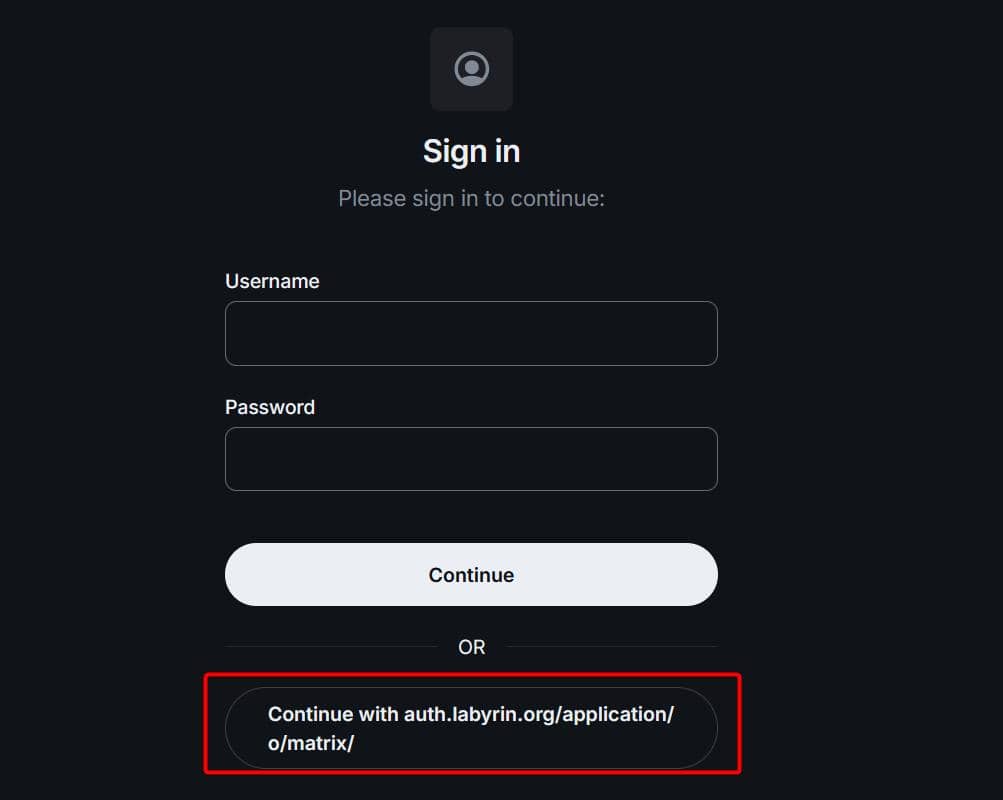
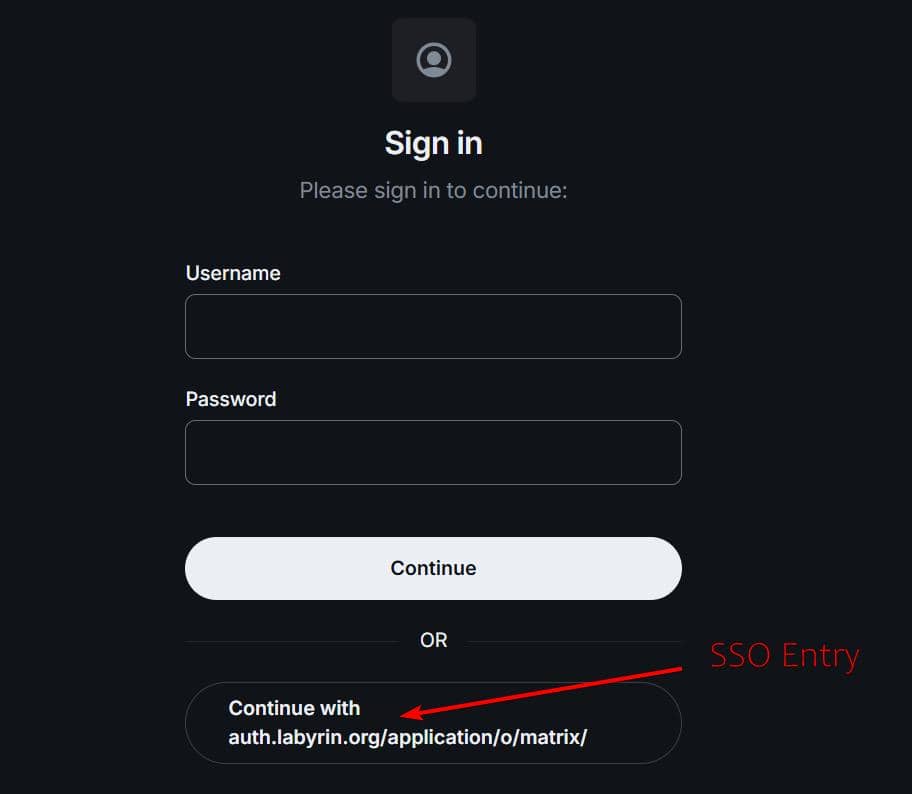
For SSO-registered users, there is no local homeserver password. Your SSO session token is already stored in the browser. Click the SSO sign-in option (Continue with ...) to return to SSO and approve using that token for Matrix:
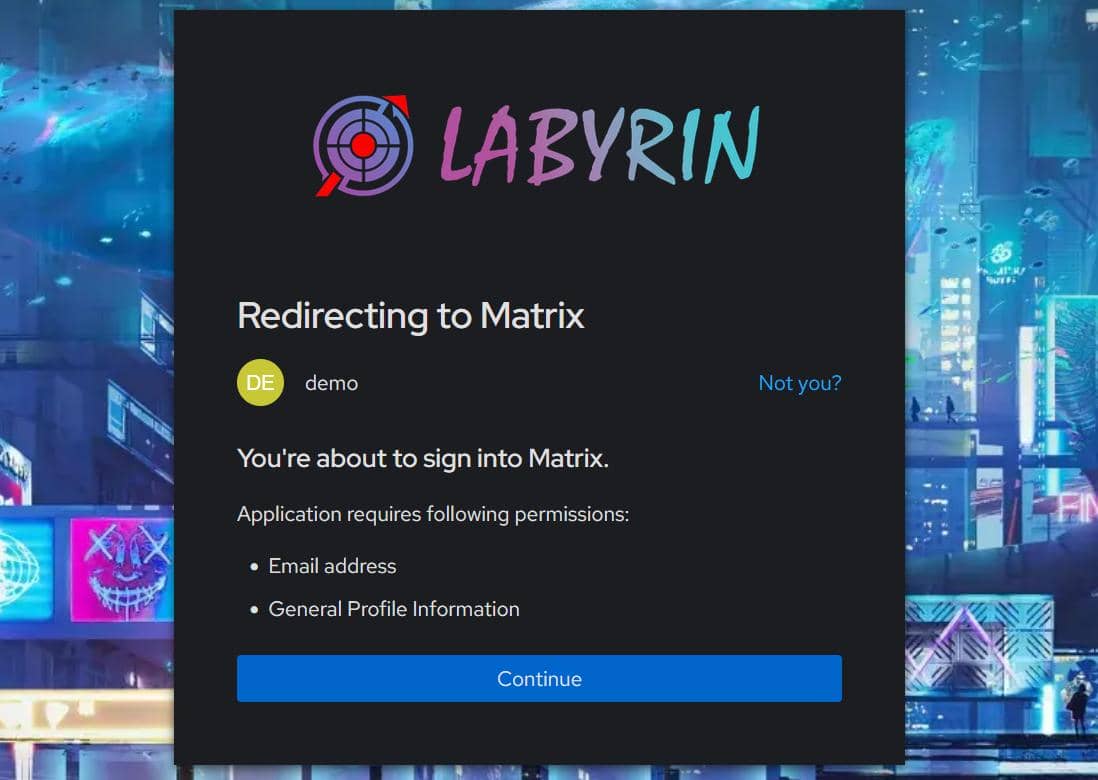
Continue, then create a username (for example demo):
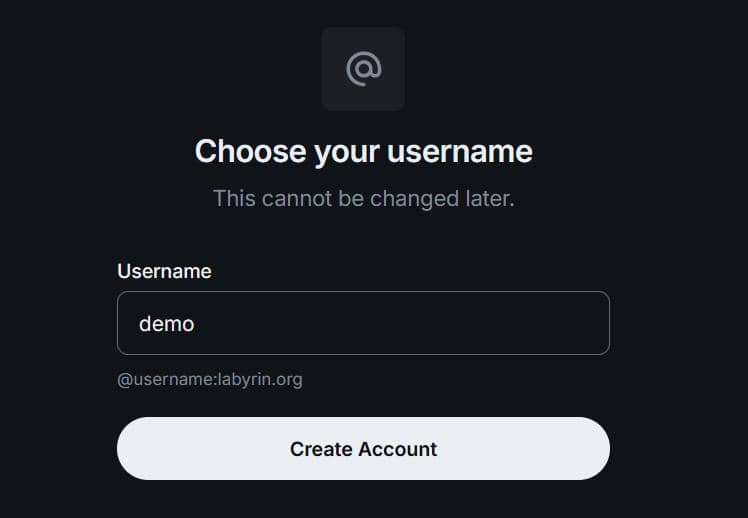
This creates your Matrix account on our homeserver, in this case it is @demo:labyrin.org.
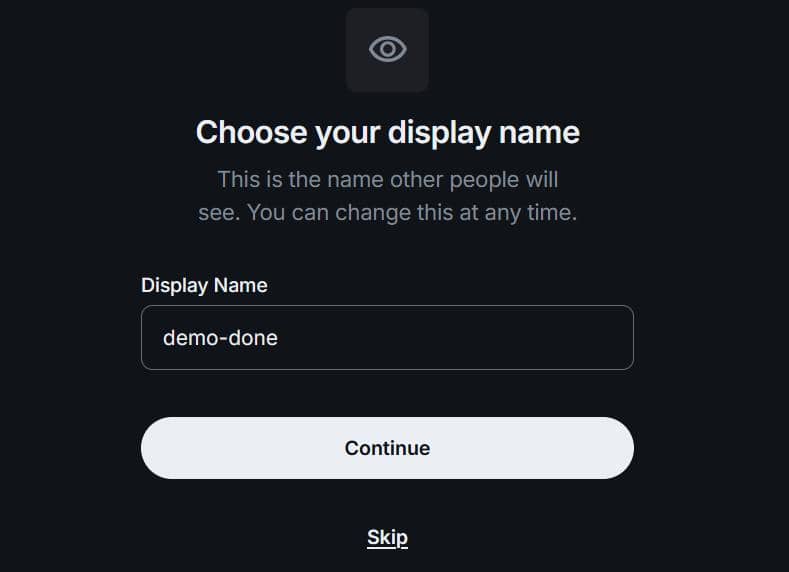
Choose a display name for the community:
After login, you can explore spaces and rooms on our homeserver:
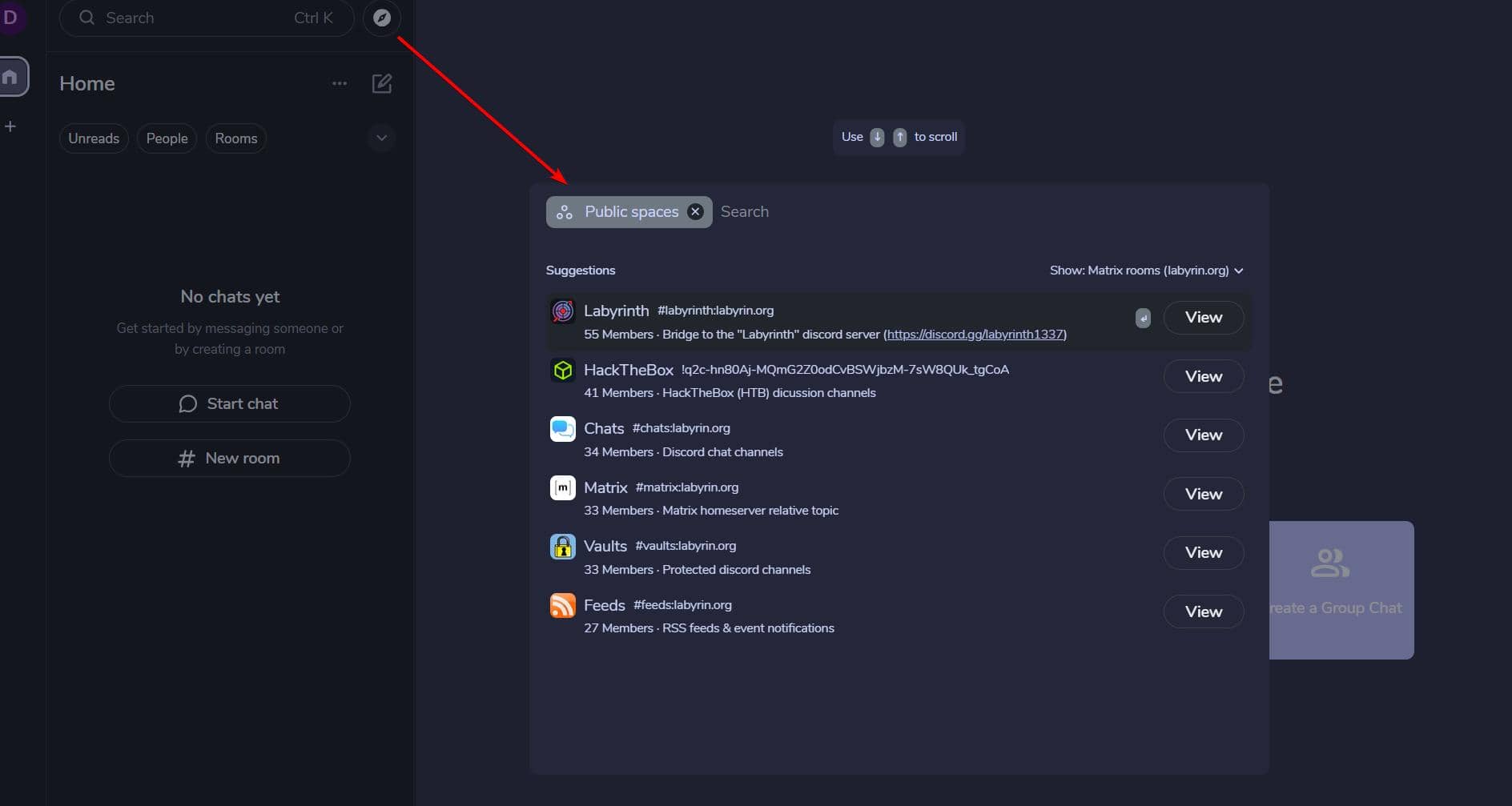
Join the main Labyrinth space (https://matrix.to/#/#labyrinth:labyrin.org):
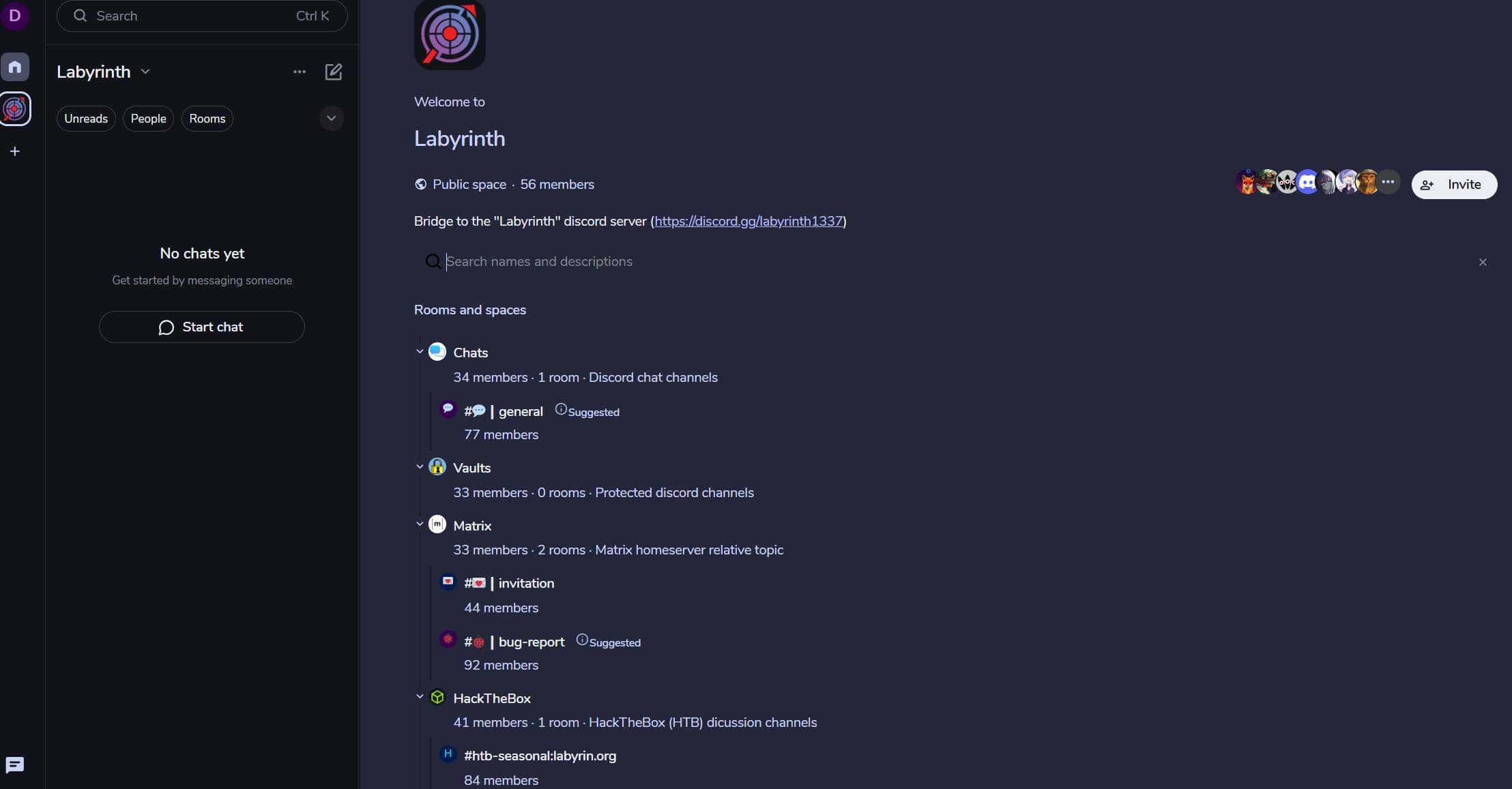
You can now communicate across the bridge with Discord and Matrix users in the same room/channel:
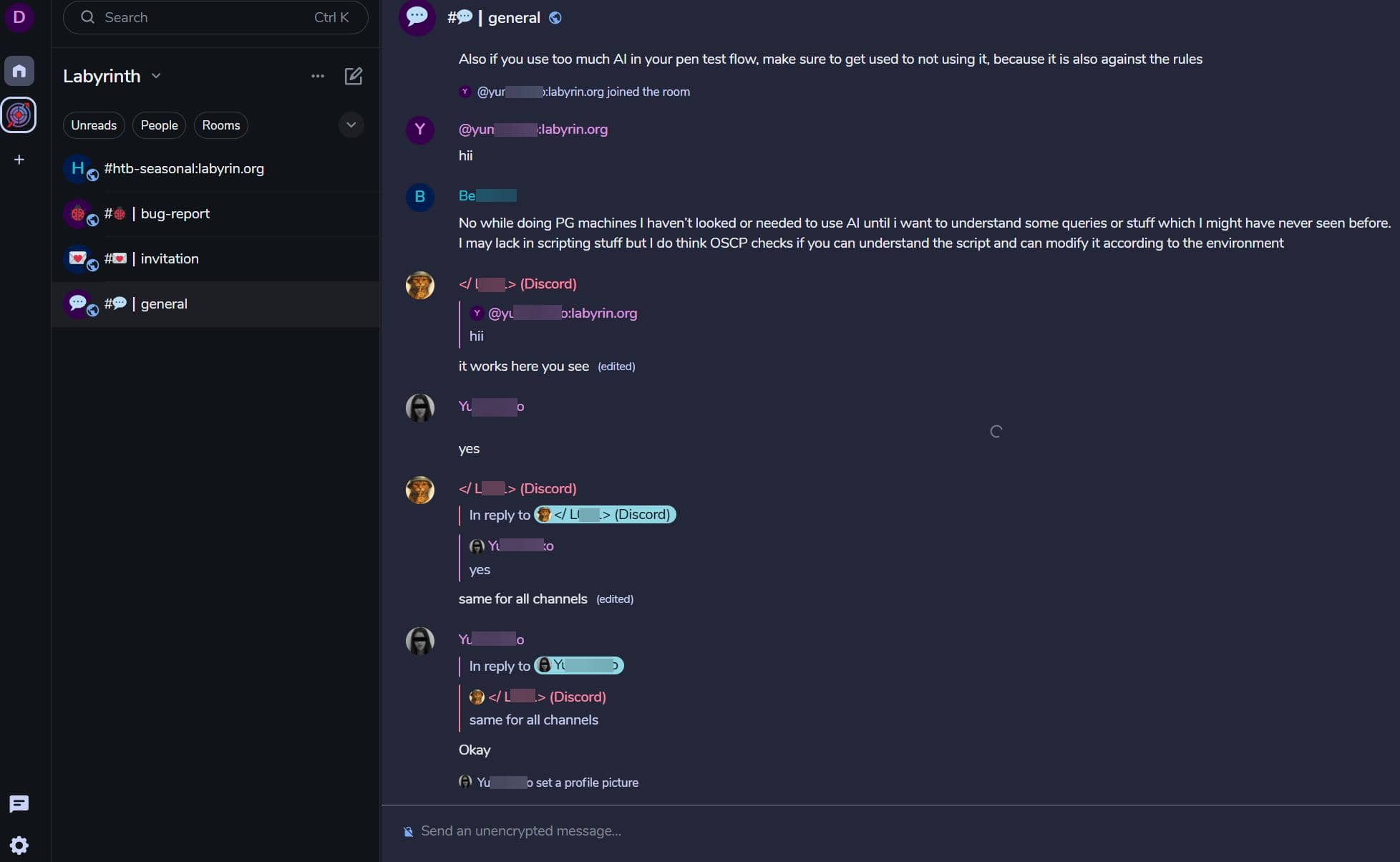
With secure and privacy in a decentralized server.
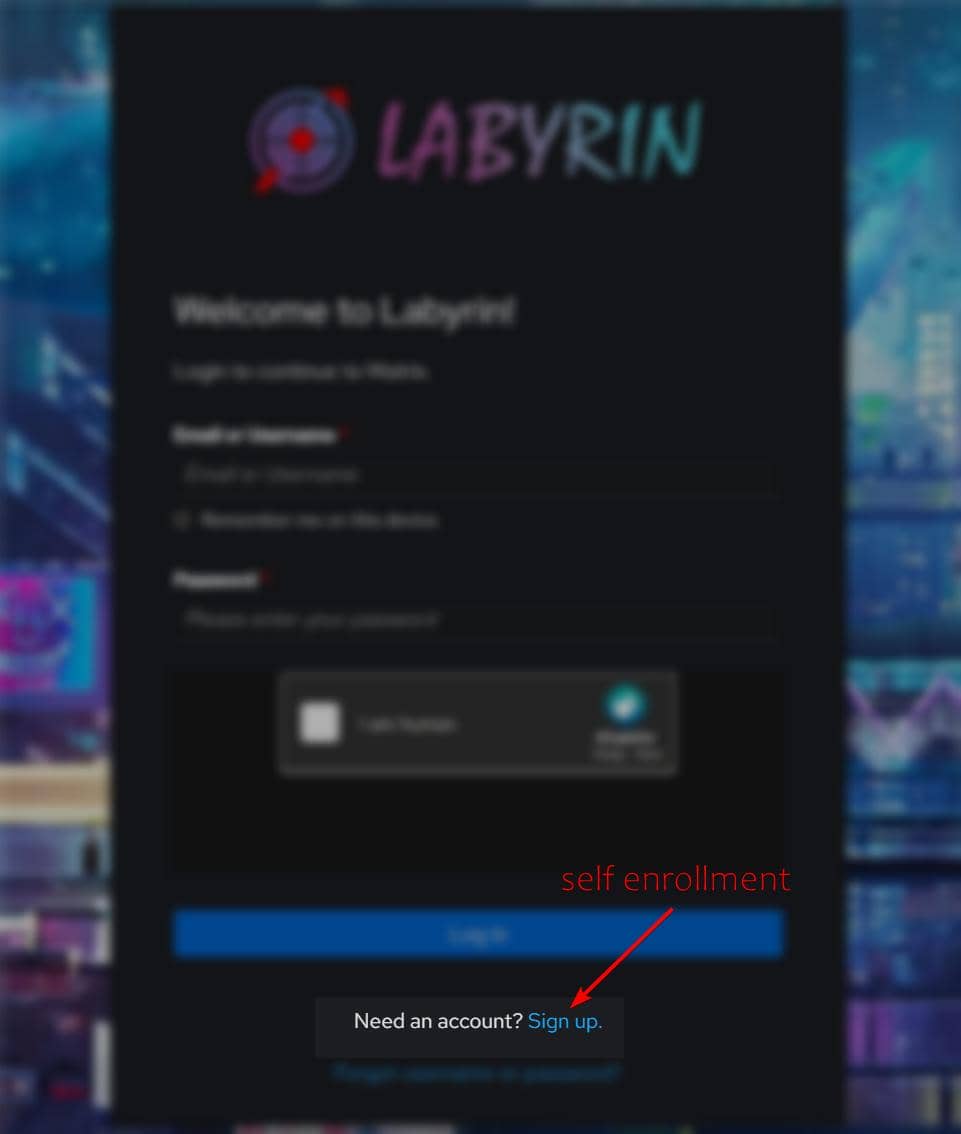
3. Self Enrollment
Self enrollment has enabled since Mar 9 2026. Register at:
https://auth.labyrin.org/Username / password registration is NOT open (March 9 2026):
Use SSO to register or login (https://auth.labyrin.org):
"Sign up":
TODO
Matrix bridges connect multiple chat ecosystems into one community layer.
Right now, Labyrinth uses a Discord bridge so adoption does not split the community.
Matrix bridging is not limited to Discord. The Matrix ecosystem supports many bridges (see Matrix Bridges and Bridging docs), including Slack, Telegram, WhatsApp, Instagram, Facebook, Wechat, Signal, etc. – this gives Labyrinth a path to become a multi-platform community hub.
TODO (future development):
- Evaluate additional bridges that fit community needs
- Add more bots/appservices for collboration and utilities
- Build custom Labyrinth-specific integrations on top of Matrix
Comments | NOTHING